
How to Use Secure Messaging for Medication Questions: A Step-by-Step Guide
Did you know that over 70% of healthcare data breaches happen because people used unsecured text messages or emails to share health info? It’s a scary statistic, but it highlights why secure messaging is a HIPAA-compliant communication channel designed for exchanging protected health information between patients and providers isn't just a nice-to-have feature-it's a safety requirement. If you have a question about your prescription, side effects, or refills, sending that info via standard SMS or personal email puts your privacy at risk. Fortunately, most major healthcare systems now offer secure portals where you can ask these questions safely.
This guide will walk you through exactly how to use these tools to get answers from your doctor or pharmacist without the phone tag, while keeping your private medical data locked down tight.
Why You Should Never Text Your Doctor About Meds
It might seem convenient to shoot a quick text to your clinic asking, "Can I take this with food?" But standard texting apps like WhatsApp, iMessage, or regular SMS are not encrypted in a way that meets federal health privacy standards. The Health Insurance Portability and Accountability Act (HIPAA) requires that any electronic protected health information (ePHI) be transmitted through encrypted channels with strict access controls.
In fact, the Office for Civil Rights (OCR) reported that up through late 2024, the vast majority of healthcare data breaches originated from unsecured messaging channels. One major health system even faced a $3.2 million penalty because staff used WhatsApp to coordinate medication details. When you use a dedicated secure messaging platform, your message is encrypted both while it travels across the internet and when it sits on the server. This means only you and your authorized care team can read it.
Is Secure Messaging Right for Your Question?
Before you log in, you need to know what secure messaging is good for-and what it isn't. These platforms are built for non-urgent issues. They excel at handling dosage clarifications, reporting mild side effects, or requesting refills for maintenance medications.
- Use secure messaging for: Asking if a medication interacts with a new supplement, reporting a rash that appeared after starting a drug, or checking if a refill has been processed.
- Do NOT use secure messaging for: Severe allergic reactions (anaphylaxis), chest pain, difficulty breathing, or signs of overdose. In these cases, call 911 or go to the emergency room immediately.
A study published in JAMA Network Open found that using secure messaging for non-urgent questions reduced medication-related adverse events by 37% compared to phone calls. However, 14.7% of patients mistakenly use these channels for urgent issues, leading to dangerous delays. Always treat secure messaging as a tool for routine management, not emergency care.
Top Platforms for Patient Communication
You likely already have access to a secure messaging platform through your healthcare provider. Here is how the major players compare when it comes to handling medication inquiries.
| Platform | Best For | Key Feature | Response Time |
|---|---|---|---|
| Epic MyChart | Large hospital systems | One-click medication renewal buttons | 24-48 hours |
| Cerner HealtheIntent | Community clinics | Integrated pharmacy chat | 24-72 hours |
| Updox | Private practices | Direct pharmacy integration for refills | 24-48 hours |
| My HealtheVet | Veterans | Dedicated medication category routing | 48 hours average |
Epic MyChart dominates the market, processing millions of medication-related messages daily. Its biggest advantage is the "Medication Renewal" feature, which often automates the process entirely. Smaller platforms like Updox shine in direct pharmacy integration, allowing renewal requests to bypass clinicians for simple maintenance drugs. Regardless of the platform, expect a response window of 24 to 72 hours. This is slower than a phone call, but patients report higher satisfaction because they have a written record of the advice given.
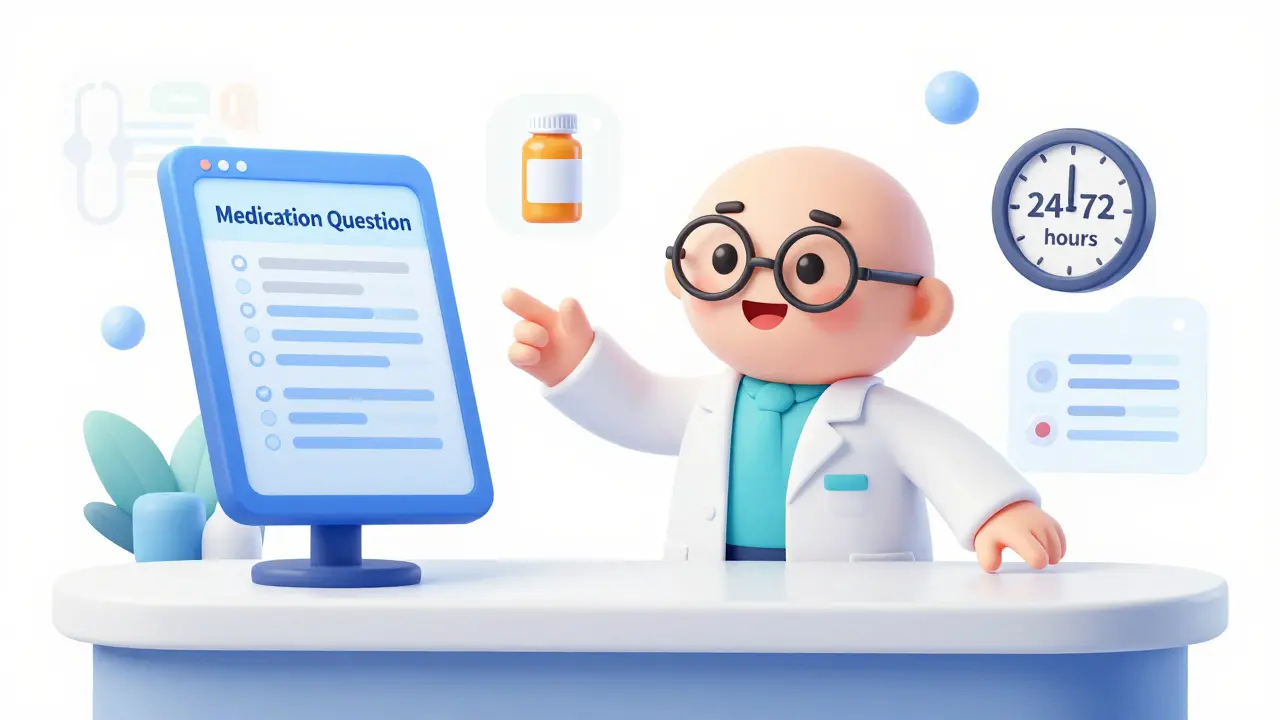
Step-by-Step: How to Send a Medication Message
Most healthcare systems follow a similar workflow. Here is how to navigate the process effectively to ensure your question gets answered quickly and accurately.
- Log in to your patient portal. Use the app or website provided by your clinic. Ensure you are using multi-factor authentication if required.
- Update your medication list. Go to the "Health Records" or "Medications & Allergies" section. Add any new prescriptions or supplements you are taking. Studies show this step reduces medication errors by 37% because your provider sees the full picture.
- Select the correct subject category. Look for a dropdown menu labeled "Subject" or "Reason for Contact." Choose "Medication," "Pharmacy," or "Prescription." This routes your message directly to the pharmacy team or prescribing clinician, rather than getting lost in general inbox clutter.
- Craft a clear, specific message. Include the exact medication name (brand and generic), dosage strength, frequency, and your specific question. For example: "I am taking Lisinopril 10mg daily. I started feeling dizzy after my morning dose. Should I skip today's dose?"
- Attach photos if needed. If you are reporting a reaction like a rash, take a clear photo and attach it to the message. Most platforms support image uploads now.
- Submit and wait for a secure notification. Do not expect an email alert. Check the app or portal directly for a reply. This prevents your health info from appearing in your regular email inbox.
Pro Tips for Faster Responses
Doctors and pharmacists are busy. Making their job easier makes your life easier. Here are some insider tips based on feedback from healthcare workers and patient forums.
- Use a clear subject line. Start your message title with "MEDICATION QUESTION - NON-URGENT." Data from the Veterans Health Administration shows this reduces misclassification by 44%, ensuring your message goes to the right queue.
- Include your pharmacy details. If you are asking about a refill, include your pharmacy's NABP number or name. This cuts processing time significantly because the staff doesn't have to look it up.
- Be precise with timing. Instead of saying "I feel bad," say "I felt nauseous two hours after taking the pill with breakfast." Context helps clinicians diagnose interactions faster.
- Report lot numbers for reactions. If you suspect an adverse reaction, experts recommend including the medication lot number if you have it. This helps track potential manufacturing issues.
Common Mistakes to Avoid
Even with the best intentions, patients often trip up. Avoid these common pitfalls to keep your communication smooth and secure.
Mistake 1: Using personal email. Never copy-paste your secure message into your personal Gmail or Outlook account. This breaks HIPAA compliance and exposes your data. Keep all communication inside the portal.
Mistake 2: Expecting instant replies. Secure messaging is not a live chat. It is an asynchronous tool. If you need an answer today, call the office. If you can wait until tomorrow, send a message.
Mistake 3: Vague descriptions. Saying "my meds aren't working" is too vague. Specify which medication, what symptoms you expected vs. what you are experiencing, and how long you've been taking it.
The Future of Medication Messaging
Technology is moving fast. By 2026, many systems are integrating AI-assisted templates that auto-populate your medication history, reducing the time clinicians spend documenting. The Joint Commission also updated its policies in mid-2024 to explicitly allow secure texting of medication orders, reversing previous bans. This means you may soon see more direct, real-time interactions within these secure apps, especially for routine renewals.
For now, mastering the current secure messaging tools is the best way to stay safe, save time, and manage your health effectively. Take a few minutes to update your profile and test out the messaging feature next time you have a non-urgent question.
Is secure messaging HIPAA compliant?
Yes, legitimate secure messaging platforms used by healthcare providers are designed to be HIPAA compliant. They use end-to-end encryption (like AES-256) and audit trails to protect your protected health information (PHI). Standard SMS and email are not HIPAA compliant.
How long does it take to get a response?
Typically, you should expect a response within 24 to 72 hours for non-urgent medication questions. Response times vary by healthcare system and staffing levels. If your issue is urgent, do not wait for a message reply; call your provider or seek emergency care.
Can I request a prescription refill via secure messaging?
Yes, many platforms like Epic MyChart and Updox allow you to request refills securely. Some systems even have one-click renewal buttons for maintenance medications. However, controlled substances may require a separate visit or phone call depending on state laws.
What should I include in my medication question?
Include the medication name (brand and generic), dosage, frequency, and your specific question. Provide context such as when you started the med, any other drugs you take, and detailed symptoms if reporting a side effect. Clear details help your provider give accurate advice faster.
Is it safe to send photos of my medication label?
Yes, sending photos of medication labels or rashes through a secure messaging portal is safe and encouraged for clarity. Just ensure you are uploading the image within the encrypted portal and not via email or social media.